

We recently surveyed the public servers listed in the official MCP registry. We didn't call any tools; we only read what each server tells an anonymous client on first contact. More than half of the servers we could assess (55.7%) answered with no login at all. That isn't always wrong. But it's worth knowing which side of the line your own server is on.
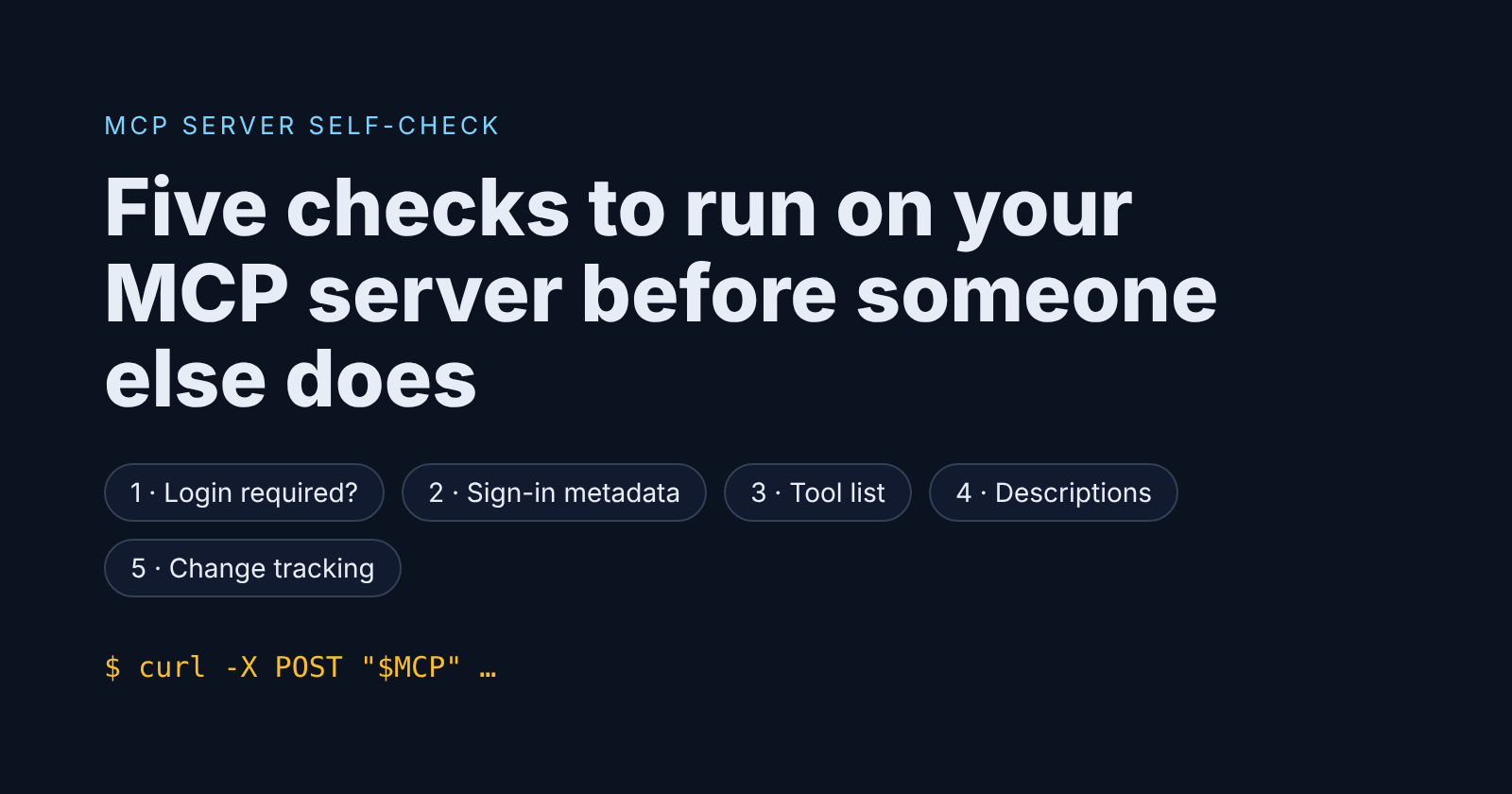
Here are five checks you can run against a server you own in about ten minutes, using nothing but curl.
Set your endpoint first:
MCP=https://your-server.example/mcp
1. Does it answer without a login?
curl -s -X POST "$MCP" \
  -H 'Content-Type: application/json' \
  -H 'Accept: application/json, text/event-stream' \
  -d '{"jsonrpc":"2.0","id":1,"method":"initialize","params":{"protocolVersion":"2025-06-18","capabilities":{},"clientInfo":{"name":"self-check","version":"0"}}}' \
  -i | head -20
A 401 is what you want if the server touches anything private. A 200 with a serverInfo block means anyone on the internet can talk to it. That's fine for a public docs-search server, and not fine for anything else.
2. If it requires login, can a client find out how?
The MCP authorization spec asks protected servers to publish OAuth protected resource metadata (RFC 9728). Check both places a client looks:
curl -si "$MCP" -X POST -d '{}' | grep -i www-authenticate
curl -s https://your-server.example/.well-known/oauth-protected-resource | head -c 500
You want a WWW-Authenticate header that carries a resource_metadata URL, or a JSON document at the well-known path listing your authorization_servers. In our survey, 15.1% of servers that required login published neither. A standards-following client can't sign in to them, and the usual "fix" is to switch auth off, which is worse.
3. What does an anonymous client see in your tool list?
If check 1 returned 200, list the tools the same way (first send notifications/initialized and reuse the session header if your server issues one). Then read the result as an attacker would:
- Is there anything that runs commands, reads or writes files, or touches a database? In our survey, 102 open servers offered exactly that to anyone.
- Is every tool marked with
readOnlyHintordestructiveHint? Only 19.6% of open servers labelled all of their tools. Without those hints, a client can't tell when to ask the user first.
4. Are your tool descriptions written for people?
The model reads tool descriptions as instructions. Search yours for:
- phrases addressed to the model ("do not tell the user", "always call this first", "ignore previous");
- invisible characters, such as zero-width spaces or bidi controls;
- long hidden blocks after the visible text.
# paste your tools/list JSON into tools.json, then:
grep -nP '[\x{200B}-\x{200F}\x{202A}-\x{202E}\x{2060}-\x{2064}\x{FEFF}]' tools.json
One caution from our own work: zero-width joiners are legitimate inside Persian, Arabic and Indic text and in emoji sequences. A match isn't automatically an attack.
5. Would you notice if a description changed?
Most clients approve a server once. Nothing in the protocol stops the server serving different tool definitions later. Keep a hash of what you shipped:
jq -S '.result.tools' tools.json | sha256sum
Store it in CI. If it changes without a matching pull request, find out why.
The short version
- Require login for anything that reads private data or changes state.
- Publish your sign-in metadata.
- Label every tool truthfully.
- Write descriptions for humans.
- Treat tool definitions as code.
The full survey, with method, limits and every figure above, is here: State of MCP server security, November 2026.
Disclosure: I built the scanner used for the survey. Only test servers you own or are authorised to test.
Comments
Join the discussionCheck 5 is worth running from the client side too, since most people using a server don't own it. We read 10,659 public MCP config files on GitHub this month. 9,465 of the 14,098 package-launched servers had no version pinned, and 323 files still used the legacy SSE transport. Pinning the package and hashing tools/list at that version gives a user the same alarm you describe for owners.